
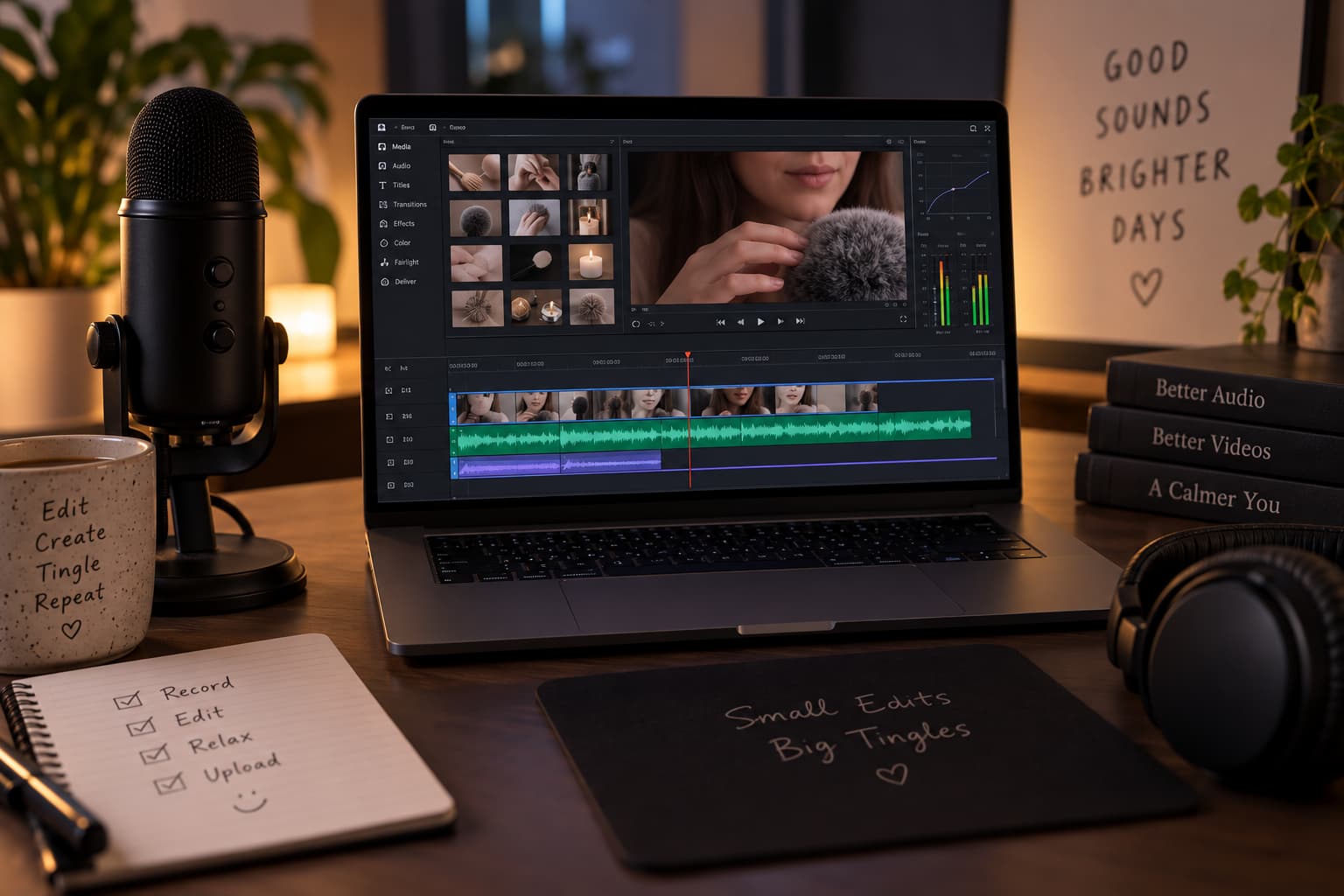
Great ASMR isn’t just about what you record – it’s about what you do with it afterwards. Room tone, tiny mouth clicks, a chair creak in the background, an accidental spike in volume when you tap a glass a little too hard – all of it gets fixed (or ruined) in the edit. If you’ve already sorted out your microphone and camera, the next piece of the puzzle is picking video editing software for ASMR that you’ll actually enjoy using, since you’ll be spending hours in it for every single upload.
Here are the four editors we keep coming back to recommending, whether you’re just starting your ASMR channel or you’ve already got a library of videos behind you.
iMovie
iMovie is free, comes pre-installed on every Mac, and is by far the easiest place to start if you’ve never edited video before. Trimming clips, layering background audio and doing basic colour correction all take a few clicks. The trade-off is control – iMovie’s audio tools are fairly basic, so if you’re relying on precise noise reduction or multi-band EQ to clean up whispers and tapping sounds, you’ll outgrow it fast. It’s a great tool to learn the fundamentals on, just don’t expect to still be using it once your channel takes off.
Adobe Premiere
Adobe Premiere is the industry standard for a reason. It’s available on both Mac and Windows, integrates cleanly with Adobe Audition if you want to do serious audio restoration work, and handles multi-track, multi-camera projects without breaking a sweat. It’s subscription-based, which is the main downside for hobbyists, but if you’re serious about growing an ASMR channel and want software that scales with you, Premiere is worth the monthly cost.
OpenShot Video Editor
OpenShot is free, open-source, and cross-platform (Windows, Mac and Linux). It’s not as polished as the paid options and can be a little unstable with longer, audio-heavy timelines, but for creators on a tight budget who still want a proper timeline editor rather than a stripped-down mobile app, it’s one of the better free options out there. Good pick if you want to test the waters before committing to a paid subscription.
DaVinci Resolve
DaVinci Resolve is our personal favourite video editing software for ASMR specifically. The free version is shockingly capable – professional-grade color grading, a full multi-track audio editor (Fairlight) built right in, and no watermark. For ASMR creators, Fairlight’s noise reduction and EQ tools are genuinely excellent for cleaning up whisper tracks and taming harsh triggers without flattening the detail that makes ASMR work in the first place. The learning curve is steeper than iMovie, but there are hundreds of free tutorials, and most people are comfortable within a couple of weeks.
Which video editing software for ASMR should you actually pick?
If you’re brand new and just want to get a video out the door, start with iMovie or OpenShot depending on whether you’re on a Mac or not. Once audio quality starts to matter more than convenience – and in ASMR, it always eventually does – DaVinci Resolve’s free tier will take you further than anything else on this list without costing a cent. Premiere is the right call if you’re already inside the Adobe ecosystem or collaborating with editors who are.
Whichever you choose, pair it with a decent pair of closed-back headphones while you edit – mixing ASMR audio on laptop speakers is the single fastest way to end up with a final video that sounds completely different (and usually worse) once your viewers put their headphones on.
2 thoughts on “The best video editing software for ASMR”